TV7 lahjoitustili siirtyi Nordeasta OP Pohjolaan. Uusi tilinumero on FI75 5780 4120 0163 54.
Lue lisää
Älkää entisiä muistelko, älkää menneistä välittäkö. Katso, minä teen uutta; nyt se puhkeaa taimelle, ettekö sitä huomaa? Niin, minä teen tien korpeen, virrat erämaahan.
Welcome to theme pages introduction. On this page you’ll find information and examples to help you get started.
If you want to start building theme pages immediately, please see quick start guide.
Little background first. The idea behind these theme pages is to allow channels to represent their video archive content more freely and customize it according to their wishes which is something that current vod categories cannot fully do. The main motivation of course is to make it easier for our viewers to find the content they like in our huge video archive. Eventually theme pages are expected to replace current category pages but before fully developed, both could exist side by side. In addition to theme pages, new theme tags can be used in any other pages where video content is desired.
Let’s move on by defining the theme tag, the main building block for our theme pages. By theme tag we mean here simple structure, text inside two square brackets such as:
[program]
This kind of element has special meaning in WordPress, and in that context these are called shortcodes. It means that when this kind of structure is found, more complex output is generated on the page instead of showing it as text. You can read more about shortcodes and see default shortcodes available in WordPress in https://wordpress.com/support/shortcodes/.
For our theme pages, custom theme tag (or shortcode) [program] has been added. When it’s found in page source, it is expected to output some familiar program lists seen in vod. The empty tag [program] doesn’t output anything in itself, but more info has to be given to the theme tag to specify what we want to show. For this purpose theme tag supports attributes (or options). The supported attributes of the tag are:
type
List of program types included (comma separated).
Possible values: series, episode, single, all.
Default: all
E.g. type=”episode, single” includes episodes of series and single programs
include
List of program or series ids to include.
Default: all
E.g. include=”1234, 5678″ includes these programs or series (depending on type)
exclude
List of program or series ids to exclude.
Default: nothing
E.g. exclude=”1234, 5678″ excludes these programs or series from the set.
category
List of category ids to include.
Default: nothing
E.g. category=”1,2″ includes programs or series from children and youth categories depending on type
Note: It depends on the type which sort order is available and makes sense. E.g. with type=”series” sort=”highest-episode-number” is not available for now.
Manual sort shows included programs in the given order (in include=”12,13,14″)
max
Limit the number of programs shown.
Default: unlimited
E.g. max=”8″ shows maximum of 8 programs / series.
columns
Number of columns to use on desktop, adjust automatically on smaller screens
Default: 4
links
How links should open, in the same or new tab (window)
Options: same | new
Default: same
These attributes allow building many kinds of program lists, and hopefully cover most practical use cases. Next we’ll take a closer look with examples.
Some examples
In these examples some basic use cases of theme tags are demonstrated. In the end of this section you’ll find links to additional sample pages.
1. Hand picked programs or series
The theme tag allows creating hand picked lists of programs or series. For example if we would like to show some series, episodes and single programs on top of children theme page, we could use the following tag. Type attribute defaults to all and hence, can be omitted in this case.
If instead we’d like to show episodes of hand picked series and some singles, we could use type=”episode, single” instead. The number of programs shown is limited using attribute max.
With manual includes it’s good to check that correct type is used, especially if output is not as expected. For instance, if we try to output singles but included ids were series ids, this happens:
Let’s imagine that we would like to show 4 most recently broadcasted programs (episodes or singles) from children category. This can be achieved using the following theme tag.
[program type="episode, single" category="1" sort="latest-broadcast" max="4"] generates output seen below:
Sometimes it may be useful to exclude some programs or series from the result set. For example there are few series inside a category that don’t fit the theme very well, or perhaps we have already promoted the programs on top of the page and don’t want to show them again. Attribute exclude can be used for this purpose.
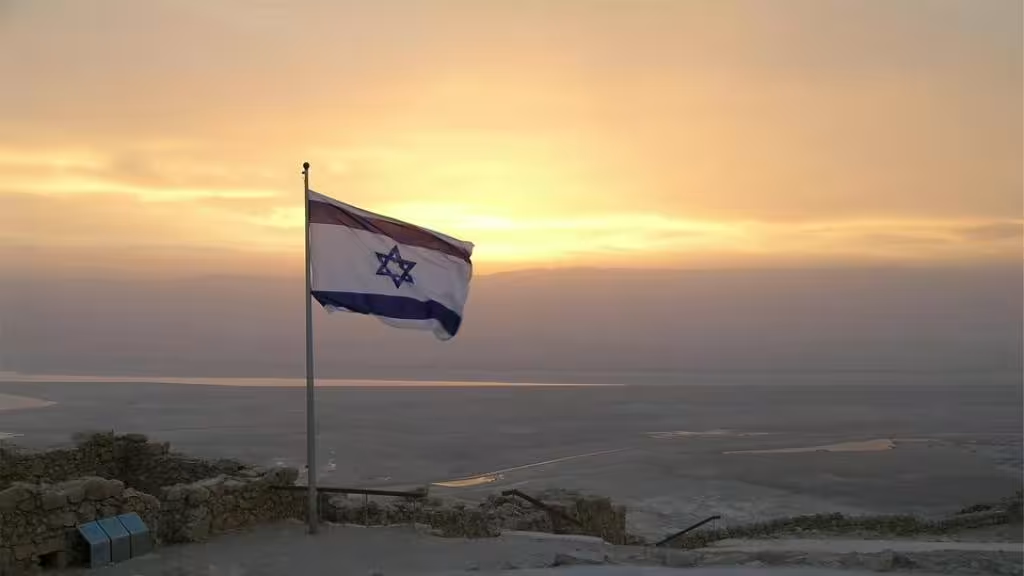
Here we like to show current affairs programs focused on Israel. Category 25 works for that if we exclude series that don’t belong to this theme.
In case we have already promoted some episodes and don’t want to show them again in full list of episodes, we just give the program ids to exclude. Here episodes 5 and 2 are excluded as can be seen.
5. Like current category pages but with manual adjustments
Current category listings can still be easily created. However, thanks to manual includes and excludes, they can be customized to fit particular needs. In this case type=”series, single” is used to show series and single programs. In this example two categories are combined and there’re few manual includes and excludes as well.
0600-10177 (11,93 eur + local call charge). Listen the message to complete the donation.
Business ID
Lighthouse Network Ltd Oy: 1833754-1
Ristin Tuki ry: 1911738-0
Rahankeräyslupa
Rahankeräyksen saaja ja käytännön toimeenpanija
Ristin Tuki ry
Luvan tiedot
RA/2021/1717: Lupa on voimassa toistaiseksi 1.1.2022 alkaen.
Toimeenpanoalue
Lupa on voimassa Suomessa Ahvenanmaata lukuun ottamatta.
Varojen käyttö
Kerätyt varat käytetään kristillisten tv-ohjelmien tuotannosta ja ohjelma-ajan ostamisesta aiheutuvien kustannusten kattamiseen eli ohjelmien tekemiseen, tuottamiseen ja lähettämiseen.
TV7 vikapäivystys - ajankohtaista
TV7 sovelluksessa ongelmia iOS 16 päivityksen kanssa.
Saamiemme palautteiden perusteella sovellus ei toimi uuden iOS 16 käyttöjärjestelmän kanssa. Lähiaikoina on tulossa uusi versio sovelluksesta, joka toimii myös siinä.
Mikäli asiasi koskee muita häiriöitä tai yllä olevat vinkit eivät auttaneet, voit soittaa vikapäivystykseemme tai käyttää sivun alareunan palautelomaketta.
Vikapäivystys puh. 09 7562 5230
TV7 service desk - current issues
Nothing special
If you still experience issues or have another problem, you can call to our service desk or use feedback form and we'll contact you.
TV7 Sercice desk tel. +358 9 7562 5230
Fundraising licence
Collection receiver and practical executor.
Ristin Tuki ry
License number
RA/2016/824 (Granted at National Police Board 1.12.2016)
Collection period and area
1.1.2017-31.12.2021 in Finland with the exception of the Åland Islands.
Use of collected funds
Collected funds are used to cover the costs of production and broadcasting of Christian tv programs.
Time period to use funds:
1.1.2017 - 31.12.2021
Attention! This website is just for testing purposes